Amazon Prime Day is one of the best times of the year to save on everyday essentials, travel gear, and big-ticket items you may already be planning to buy. But beyond the usual discounts, there’s an extra way to save that many people overlook—using your credit card rewards through Amazon’s Shop with Points program.
During Prime Day, Amazon frequently partners with top credit card issuers to offer targeted discounts for eligible cardholders. In most cases, you only need to redeem one point to unlock the offer.
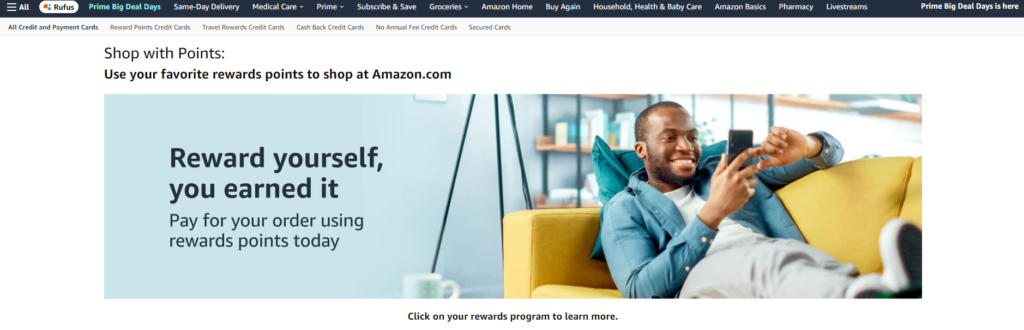
Here’s how it works and how to check if you’re eligible before checking out.
What Is Shop with Points?
Shop with Points allows you to use credit card rewards to pay for Amazon purchases. However, during promotional windows—such as Prime Day—Amazon collaborates with select issuers to offer limited-time discounts for applying points at checkout.
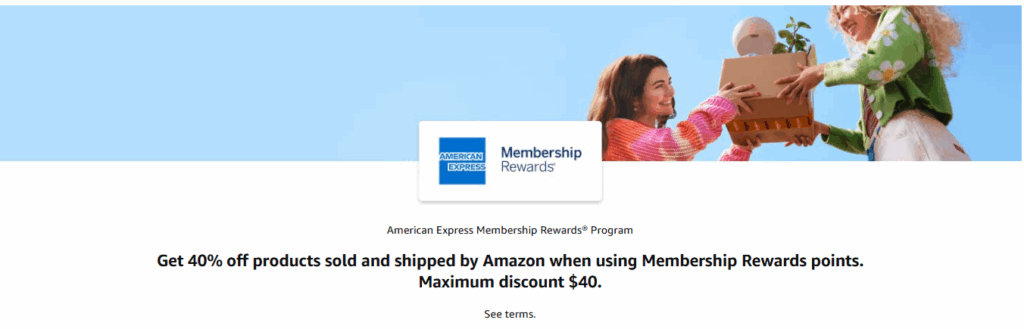
If you’re targeted, you might see offers such as:
- 40% off your purchase (up to $40)
- 30% off (up to $30)
- 20% off (up to $20)
These promotions are typically limited-time, account-specific, and triggered by redeeming as little as one point.
Who Partners with Amazon for Shop with Points?
Amazon currently partners with several major credit card issuers, including:
- American Express (Membership Rewards)
- Chase (Ultimate Rewards)
- Citi (ThankYou Points)
- Capital One
- Discover
- BILT

You must enroll your card before using points. Most promotions are only available to cardholders who have already linked their rewards program to their Amazon account.
Check If You’re Eligible
To see if you’re targeted for a current offer, visit the relevant Shop with Points promo pages below. These will update automatically when offers go live.
- Amex Offer: Check eligibility here
- Chase Offer: Check eligibility here
- Citi Offer: Check eligibility here
- Capital One Offer: Check Eligibility here
- Discover Offer: Check eligibility here
If nothing happens or you get a blank screen, your account may not be targeted for the current promo. Offers rotate and often return around other sales like Black Friday or Cyber Monday.
How to Use Shop with Points at Checkout
- Ensure that your rewards card is set as the payment method.
- At checkout, it may default to using your points to cover the entire purchase. Change that so only 1 point (or 1 cent) is applied.
- You’ll then see the discount applied to your order, with the promo offer reflecting after 1 point is redeemed.
- Ensure that the items you’re purchasing are sold and shipped by Amazon for the discounts to apply.
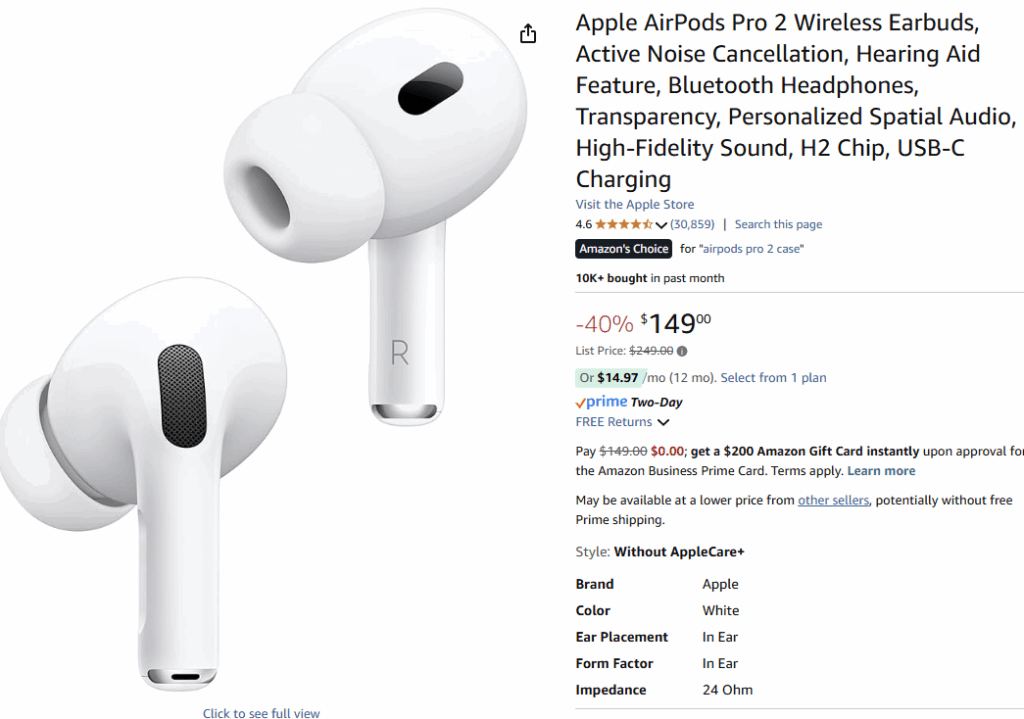
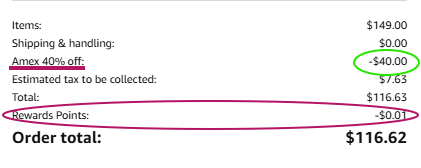
Note: You do not need to spend your points to cover the full order—redeeming just one point is usually enough to activate the discount – unless specified otherwise.
My Favorite Travel-Friendly Prime Day Picks
Many of the tools I use on the road and at home are heavily discounted during Prime Day. You can browse some of my go-to travel gear, beauty favorites, and content creator tools through my Amazon storefront.
Maximize Your Savings: Tips to Keep in Mind
- Only redeem 1 point to trigger the discount and preserve your rewards for higher-value redemptions like travel.
- Stack Prime Day offers with credit card-linked benefits, such as Amex Offers or Chase Offers, when available.
- Double-dip by using a rewards-earning card at checkout to continue earning points or cash back on your purchases.
Final Thoughts
Shop with Points promotions offer a simple, low-effort way to unlock even deeper savings during major shopping events like Prime Day. Whether you’re restocking essentials or finally grabbing that carry-on, these offers are worth checking before you check out.
Look for the latest targeted offers, and don’t forget to browse my curated Prime Day picks if you need help narrowing it down.